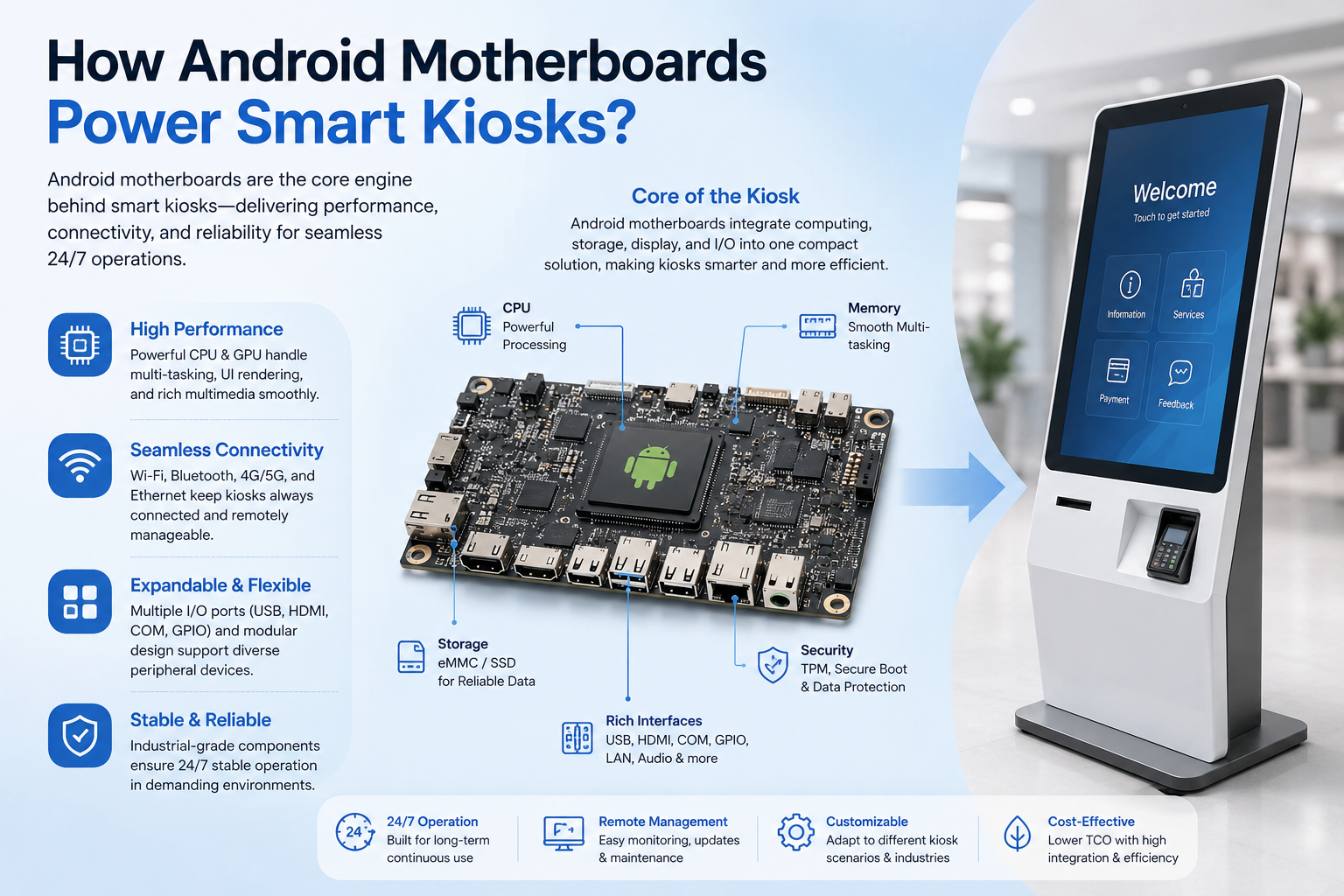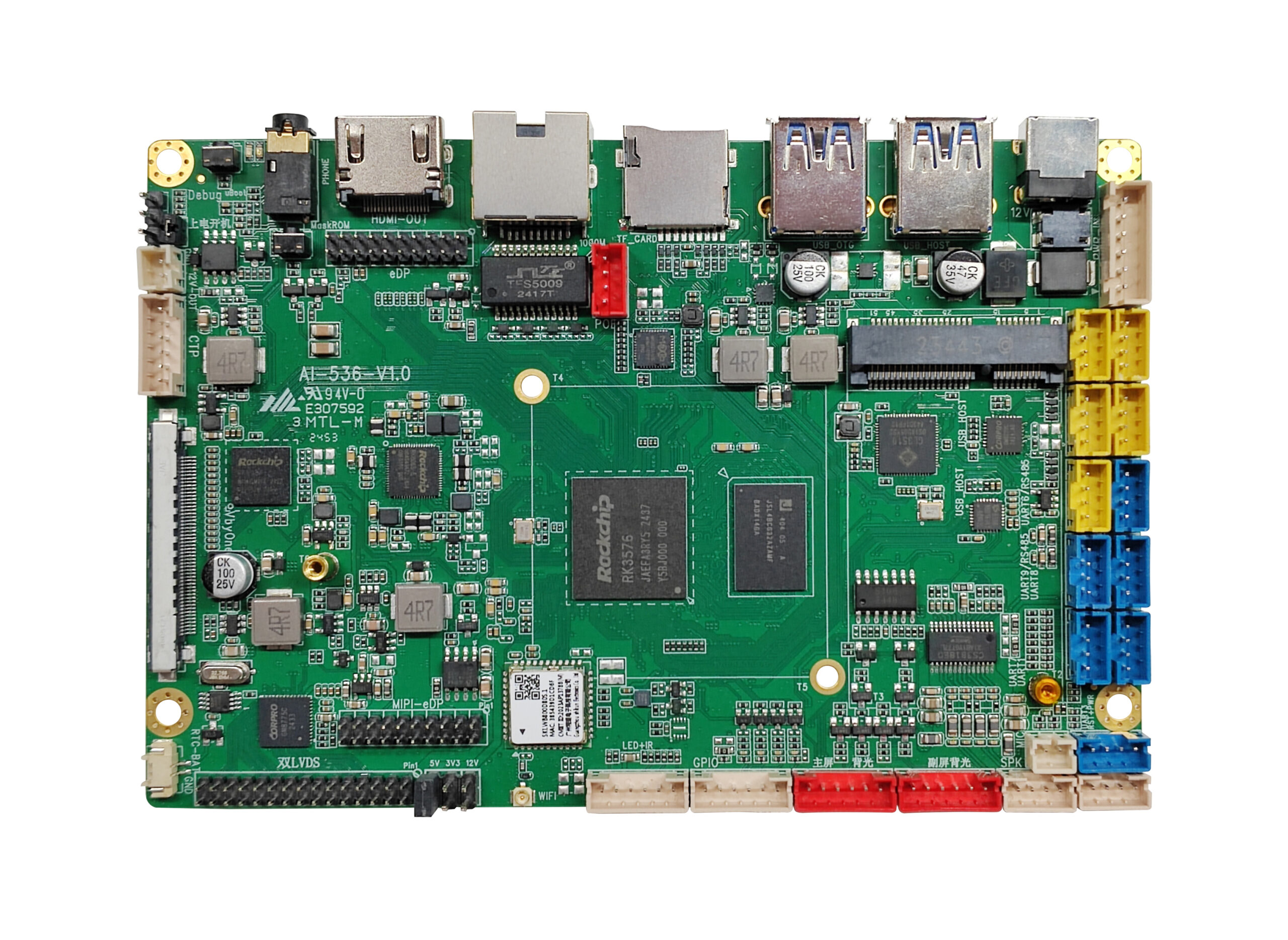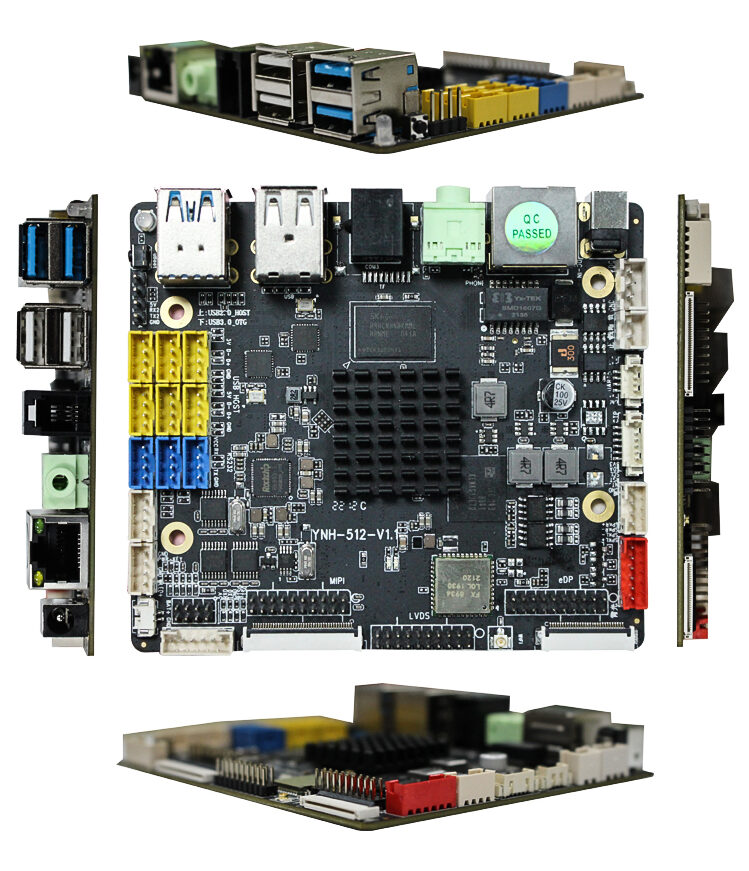
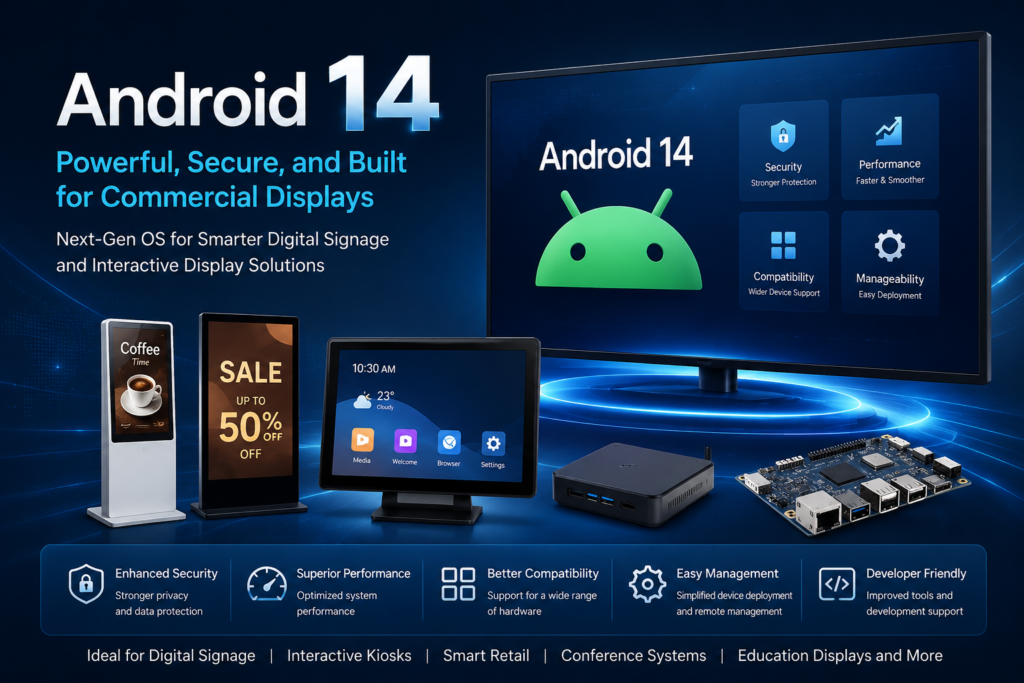
In the digital signage and commercial display industry, system stability and long-term adaptability have always been key factors when choosing hardware platforms. Compared with previous versions, Android 14 introduces a number of improvements at the framework and performance levels, making it a more practical choice for next generation commercial display devices.
1.More Mature Multi-Display Support
Multi-display output has become increasingly common in commercial display applications. For example, a large advertising screen may be paired with a smaller interactive touch display, or multiple screens may be connected to the same system simultaneously.
Android 14 further improves its multi-display framework, allowing developers to assign different content streams to separate displays more efficiently. Compared with traditional approaches that relied heavily on custom modifications, the new framework reduces development complexity and also lowers long-term maintenance costs.
2.Improved Visual Performance
Display quality plays a critical role in digital signage systems. Android 14 now supports Ultra HDR and the Display P3 color profile, enabling devices to deliver richer colors and stronger contrast performance.
In bright environments such as shopping malls, retail stores, and transportation hubs, large-format displays can still maintain excellent image clarity and visual impact, helping promotional content stand out more effectively.
3.More Flexible Audio Routing
Commercial environments rarely depend on a single audio output. Devices such as self-service kiosks, smart guide systems, and exhibition terminals often require background music and localized voice prompts to operate simultaneously.
Android 14 expands USB audio routing capabilities, allowing multiple audio devices to output sound at the same time. In real-world deployments, this creates a more flexible system architecture and improves the overall user interaction experience.
4.Greater Focus on Security and Compliance
While display performance often receives the most attention, security is equally important for connected commercial devices.
Android 14 introduces stricter kernel security baselines and improved permission management mechanisms. For operators, this means reduced maintenance pressure, fewer security-related updates, and lower deployment risks in industries such as finance, transportation, and public infrastructure.
5.Higher System Efficiency
In addition to new features, Android 14 also improves resource scheduling and graphics rendering performance.
In practical applications, these optimizations help deliver:
- More stable high-resolution video playback
- Smoother transitions between dynamic content
- Faster and more responsive touch interactions
For commercial display systems that need to operate continuously for long periods, these improvements can have a direct impact on user experience and overall display performance.
Building More Stable Commercial Display Solutions with Android 14
In the digital signage and commercial display industry, system stability and long-term adaptability have always been key factors when choosing hardware platforms. Compared with previous versions, Android 14 introduces a number of improvements at the framework and performance levels, making it a more practical choice for next-generation commercial display devices.
6.More Mature Multi-Display Support
Multi-display output has become increasingly common in commercial display applications. For example, a large advertising screen may be paired with a smaller interactive touch display, or multiple screens may be connected to the same system simultaneously.
Android 14 further improves its multi-display framework, allowing developers to assign different content streams to separate displays more efficiently. Compared with traditional approaches that relied heavily on custom modifications, the new framework reduces development complexity and also lowers long-term maintenance costs.
7.Improved Visual Performance
Display quality plays a critical role in digital signage systems. Android 14 now supports Ultra HDR and the Display P3 color profile, enabling devices to deliver richer colors and stronger contrast performance.
In bright environments such as shopping malls, retail stores, and transportation hubs, large-format displays can still maintain excellent image clarity and visual impact, helping promotional content stand out more effectively.
8.More Flexible Audio Routing
Commercial environments rarely depend on a single audio output. Devices such as self-service kiosks, smart guide systems, and exhibition terminals often require background music and localized voice prompts to operate simultaneously.
Android 14 expands USB audio routing capabilities, allowing multiple audio devices to output sound at the same time. In real-world deployments, this creates a more flexible system architecture and improves the overall user interaction experience.
9.Greater Focus on Security and Compliance
While display performance often receives the most attention, security is equally important for connected commercial devices.
Android 14 introduces stricter kernel security baselines and improved permission management mechanisms. For operators, this means reduced maintenance pressure, fewer security-related updates, and lower deployment risks in industries such as finance, transportation, and public infrastructure.
10.Higher System Efficiency
In addition to new features, Android 14 also improves resource scheduling and graphics rendering performance.
In practical applications, these optimizations help deliver:
More stable high-resolution video playback
Smoother transitions between dynamic content
Faster and more responsive touch interactions
For commercial display systems that need to operate continuously for long periods, these improvements can have a direct impact on user experience and overall display performance.